Getting Your Google Business Profile Right for Local Search
Complete your profile with accurate hours, photos, and attributes. We'll walk through each field and explain why it matters for the map pack.

Why Your Profile Matters More Than You Think
Your Google Business Profile isn't just a listing—it's your digital storefront. When someone searches for your type of business near your location, Google shows them your profile before anything else. The more complete and accurate your profile is, the better your chances of showing up in that crucial map pack at the top of search results.
Here's the thing: Google uses your profile data to decide if you're relevant to a local search. Missing information? Outdated hours? Poor-quality photos? That tells Google your business might not be worth showing. But a fully optimized profile signals that you're active, trustworthy, and worth a customer's time.
We're going to walk through each section of your profile and explain what actually matters. You'll learn which fields move the needle for local rankings and which ones are just nice to have. By the end, you'll know exactly what to fix and why.
Business Name and Category: Get This Right First
Your business name needs to match exactly what appears on your storefront and legal documents. Google flags inconsistencies. If you're registered as "The Coffee House" but your profile says "Coffee House Café," that's a mismatch that hurts your local rankings.
Pro tip: Don't add keywords to your business name. "Best Coffee House in Ottawa" might feel like smart SEO, but Google actually penalizes this. Stick to your actual business name.
Your primary category is equally important. This is how Google understands what you do. If you're a bakery, you want "Bakery" as your primary category, not "Food Delivery Service" or "Restaurant." You can add up to 10 categories total, so use secondary categories to capture related services. A bakery might add "Café" and "Catering Service" as secondaries, which expands your visibility without confusing Google about your core business.
Contact Details: Make It Easy to Reach You
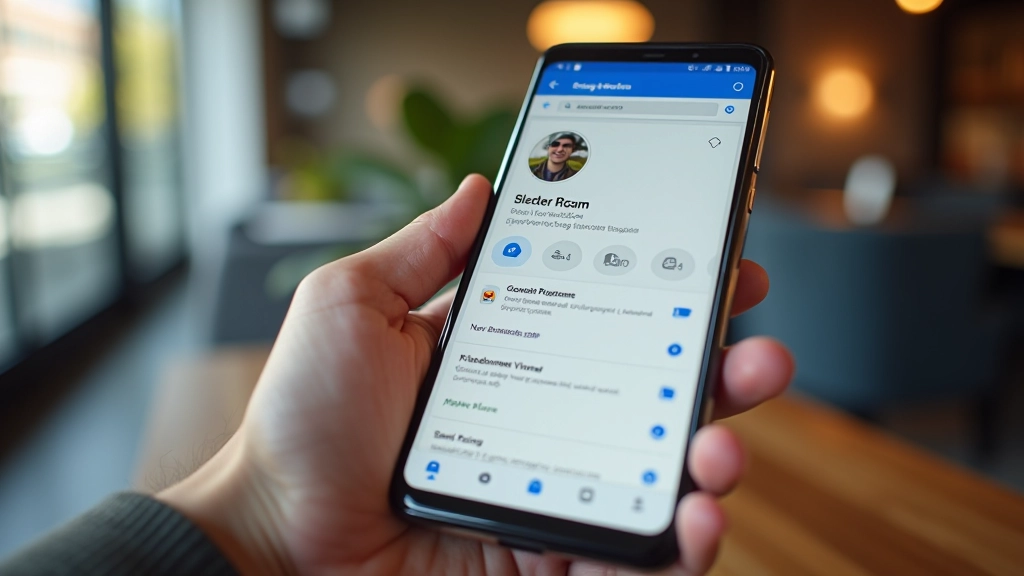
Phone number, email, and website—these three things matter. Google uses your phone number to verify your business, and customers use it to call you directly from the map. Don't overthink it. Use your main business line, not your personal cell.
Your website URL should point to your homepage, not a random page. And yes, you need a website. If you don't have one yet, that's hurting your map rankings. A simple 3-4 page site is better than nothing—it doesn't need to be fancy.
Important: Keep your contact details current. If your phone number changes or you move locations, update your profile immediately. Stale contact info is worse than missing info.
Hours of Operation: Why Accuracy Matters
People check your hours constantly. If you say you're open until 6 PM but close at 5:30 PM on Thursdays, that's a problem. Google shows your hours in search results and on the map. When they don't match reality, customers get frustrated and leave bad reviews.
Add special hours for holidays. If you're closed on Christmas or take a summer break, tell Google. It's a small detail that prevents confused customers showing up to a closed door. You can also mark yourself as "Open with Safety Protocols" or "Reopening Soon" if needed—use these statuses honestly.
Real example: A boutique in Westboro opens at 11 AM on Saturdays but noon on Sundays. That difference matters. Set each day separately. Don't just copy-paste Monday's hours to Sunday.

Photos and Videos: Show, Don't Just Tell
Photos are the biggest differentiator in the map pack. Profiles with photos get more clicks. You need at least 10 high-quality images. We're not talking about blurry phone pictures—these should be clear, well-lit, and show your actual business.
Store Exterior
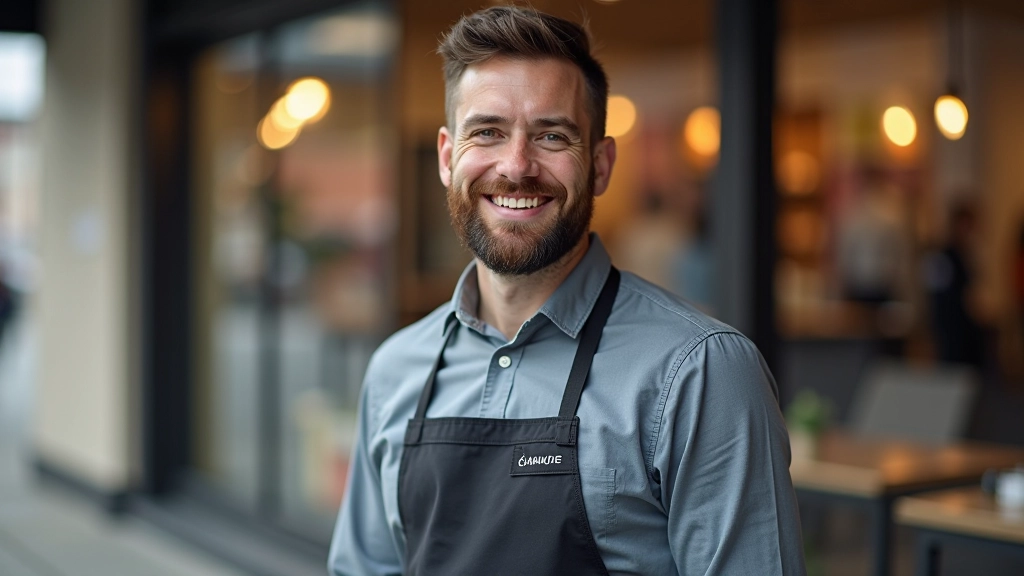
Show your storefront clearly. Include your signage, entrance, and street presence. This is the first impression customers get. Make sure it's well-lit and inviting.
Interior & Products
Display your main products or services. If you're a salon, show the styling stations. If you're a restaurant, show the dining area. Make it look clean and professional.
Team & Staff
People like doing business with people. Include photos of your team. You don't need everyone—just 1-2 staff photos showing you're a real, staffed business.
Before & After
If applicable, show transformations. A salon can show before/after styles. A cleaning service can show before/after spaces. This proves your work quality.
Update photos quarterly. Add seasonal images, new product displays, or special events. Fresh photos signal that you're active and engaged. Google notices businesses that regularly add new content.
Description and Attributes: Fill in the Details
Your business description gets 750 characters. Use them. Don't just say "We sell coffee." Instead, say "Independently owned espresso bar in the Glebe. Roast our own beans daily, source pastries from local bakeries, and offer free WiFi. Open since 2019." That description tells customers who you are, what you do, and what makes you different.
Attributes are the checkboxes: wheelchair accessible, dine-in, takeout, delivery, reservations, etc. Don't lie about these—Google and customers notice. But do fill in everything that's actually true. If you offer free parking, say it. If you take walk-ins, mark it. These small details help Google match you to the right searches.
Pro move: Review your attributes every 6 months. Maybe you added a delivery option or started taking reservations. Keep your profile current as your business evolves.
Reviews and Questions: Engage, Don't Ignore
Reviews appear on your profile. You can't delete bad ones, but you can respond to them professionally. A thoughtful response to negative feedback shows potential customers you care about fixing problems. It also signals to Google that you're actively managing your business.
Customers ask questions directly on your profile. Answer them within 24 hours if possible. These Q&A interactions boost your profile visibility and build trust. You'll see questions like "Do you take walk-ins?" or "What's your parking situation?" These are goldmines for showing off what makes your business special.

Your Profile Completion Checklist
You don't need to be perfect, but you do need to be complete. Here's what matters most for map pack visibility:
That's it. A complete profile isn't complicated—it just takes attention to detail. You're telling Google and your potential customers that you're a real, active, trustworthy business. When you do that well, the map pack rankings follow.
Disclaimer
This guide is educational and informational in nature. While we've focused on best practices for Google Business Profile optimization, individual results depend on many factors including local competition, your location, and how customers interact with your business. Google's algorithm and features change frequently. We recommend checking your profile regularly and staying updated with official Google Business guidance. This article isn't a guarantee of ranking improvements—it's a foundation for getting the basics right.
Continue Learning

Why Local Reviews Are Your Best Marketing Tool
Reviews directly impact map rankings and customer decisions. Learn how to encourage reviews from satisfied customers and respond strategically to feedback.

Building Citations That Actually Help Your Rankings
Consistent business information across directories signals trust to Google. Here's exactly where to list your business and how to maintain consistency.
Neighbourhood Targeting: How to Dominate Your Local Market
Your shop doesn't compete citywide—it competes with what's within walking distance. Learn how to optimize for neighborhood-level search visibility.